One-offs
Capture it before it evaporates.
“When I get home I need to…” and then you get home and it’s gone. Check Yeah has one-offs for exactly that: say or type a few words, it lands on Today (or the day you named), you check it, it disappears. No streak, no guilt, no project manager.
The trick is never having to open the app. Every entry point below drops you into the jot sheet with the mic already listening, or skips the app entirely.
iPhone
- Siri, hands-free. Say “Hey Siri, add to Check Yeah.” Siri asks what you want to add; you answer, for example “call about the dog sitter on Friday.” Siri says “Jotted for Friday” and it’s done. Works with the screen locked, on AirPods, and in the car. Nothing to set up. “Jot in Check Yeah” and “Check Yeah, don’t let me forget” work too.
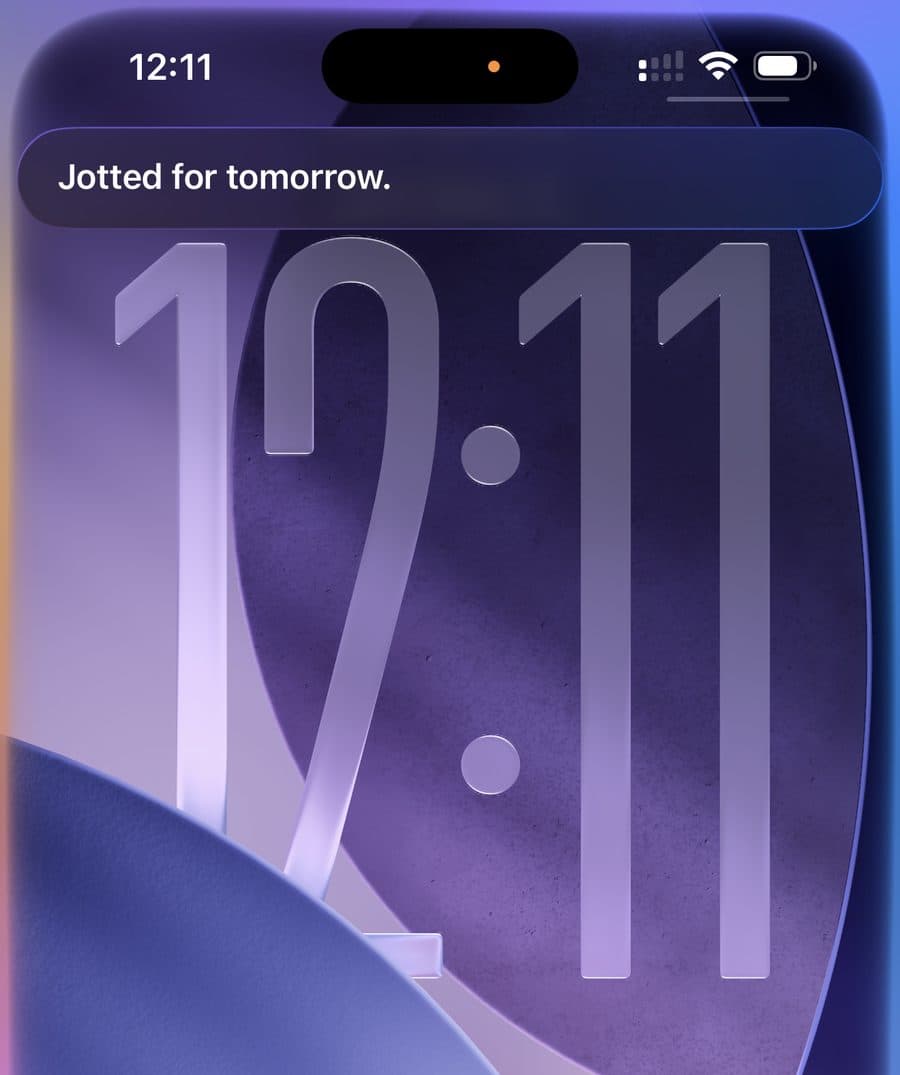
Screen locked, no hands: Siri confirms the day it picked. - Widget. Long-press your home screen, tap +, pick Check Yeah. The medium and large widgets have a “Jot it down” button; the small one opens the jot sheet when tapped. There’s a lock-screen widget as well.
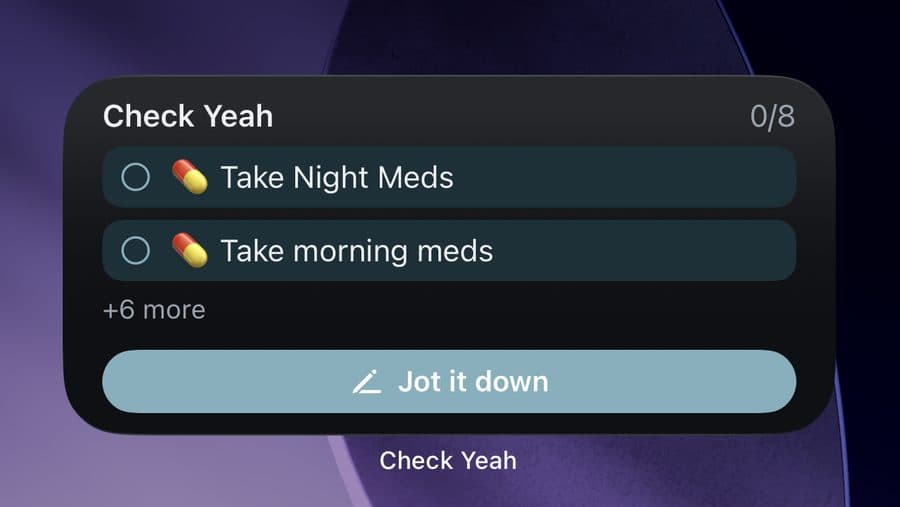
The medium widget. Tap a habit to check it off, or the pill to jot. - Share sheet. In Safari, Messages, Mail, anywhere: tap Share, choose Check Yeah. The selected text or link becomes a one-off, with a quick “Added” and no app switch.
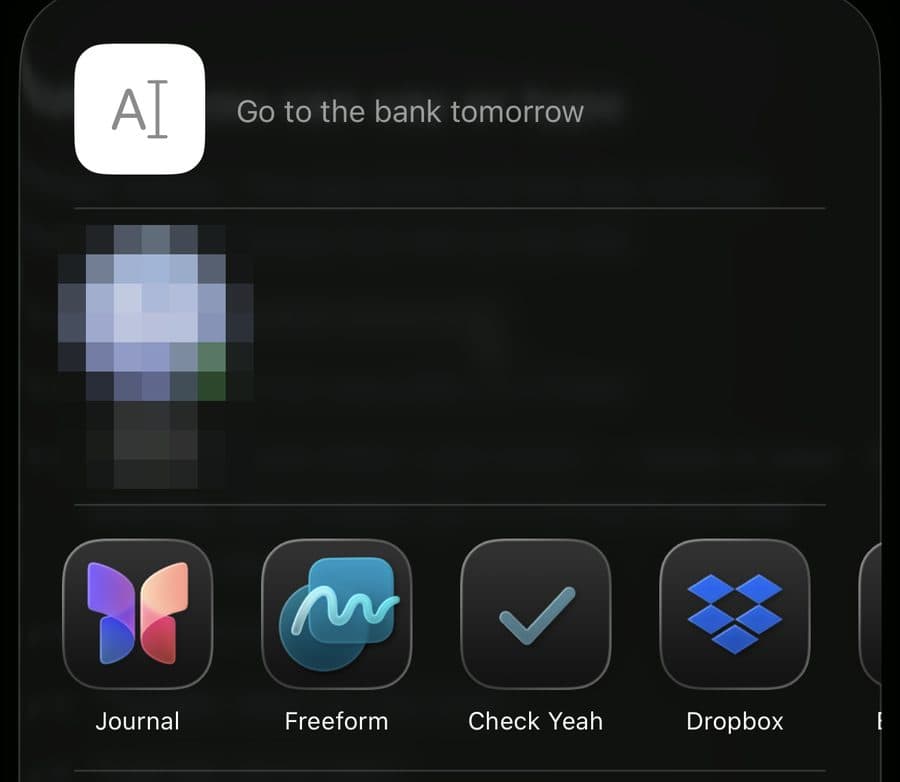
Select text, Share, tap Check Yeah. The contact suggestions are blurred here; yours will show your people.
Android
- Quick Settings tile. A “Jot it down” button in the shade you swipe down from the top of the screen. One tap, speak, done. Works from the lock screen. Add it from Settings → Capture from anywhere in the app (one tap), or swipe down twice, tap the pencil, and drag “Jot it down” into your tiles.
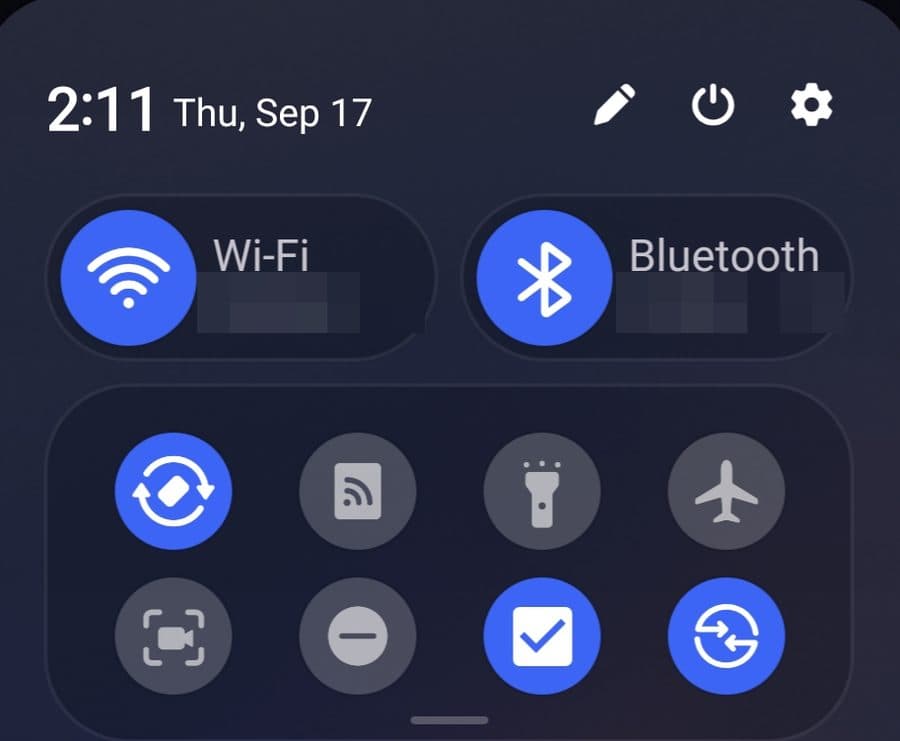
The Check Yeah tile in the shade (second row, third from left). Network and device names are blurred. - Widget. The Today widget has a “Jot it down” button under the header. Add it from Settings → Capture from anywhere, or long-press your home screen and choose Widgets.
- Share sheet. In Chrome, Messages, anywhere: Share → Check Yeah. The jot sheet opens with the text already filled in.

Check Yeah in the Android share picker. - “Hey Google”? Not yet. Google’s new assistant integration for apps is still in a closed preview. The tile is the next best thing, and we’ll add voice the moment Google opens the door.
What you can say or type
Plain words. The app picks out the day and the moment and keeps the rest as the title.
- “Go to the bank tomorrow”
- “Call about the dog sitter on Friday”
- “Grab the mail when I get home” — lands in your evening, and nudges you on arrival if you use location reminders
- “Pay rent on the 1st”
- “Tonight, take out the trash”
- “Call the vet at 3pm”
Leave it unchecked and it quietly carries to the next day with a small “from Monday” tag. No red, no overdue count. If the same one-off keeps showing up, long-press it and tap “Make this a habit.” One-offs are unlimited on every plan.
On the web
The box at the top of Today takes the same plain words. No mic on the web, but everything syncs to your phone.